Real Time Transcription
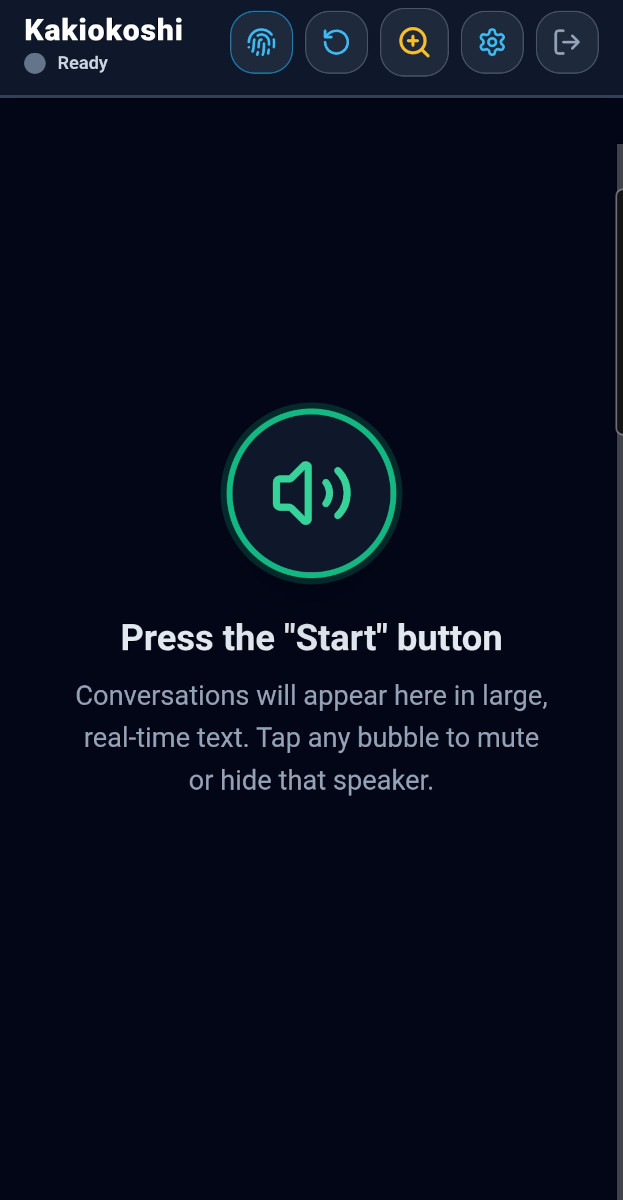
Kakiokoshi (書き起こし) is a real-time speech-to-text Progressive Web App crafted for elderly users and individuals with hearing difficulties. Featuring speaker identification, voice filtering and a 90-day history reader.
Runs on any modern smartphone, tablet, or PC browser. Zero installation required.
Empowering seamless, stress-free spoken communication
What is Kakiokoshi?
Family dinners, doctor visits, and group conversations often become exhausting when hearing loss makes it hard to distinguish voices from background noise. Kakiokoshi transforms live audio into instant, high-contrast visual speech with smart speaker separation.
Real-Time Speaker Diarization
Distinguishes between multiple speakers automatically, assigning color-coded visual bubbles so you always know who is speaking.
Tap-to-Mute Distractions
Distracted by background TV or side chatter? Simply tap that speaker's bubble three times in a row to instantly hide and silence their dialogue.
Voice Fingerprint Technology
Registers a quick voice acoustic profile (pitch & ONNX neural model) to automatically recognize and highlight your voice.
Senior-Friendly Ergonomics
Ultra-large customizable typography, high contrast, and hold-to-confirm buttons designed to prevent accidental presses.
How the Live Engine Operates
16kHz PCM audio flows via an encrypted WebSocket gateway to the neural AI engine for real-time diarization, rendered live and archived securely for 90 days.
Visual Walkthrough
Frontend Usage Manual
Simple, intuitive, and designed for touch mobile screens
Sign In & Voice Fingerprint
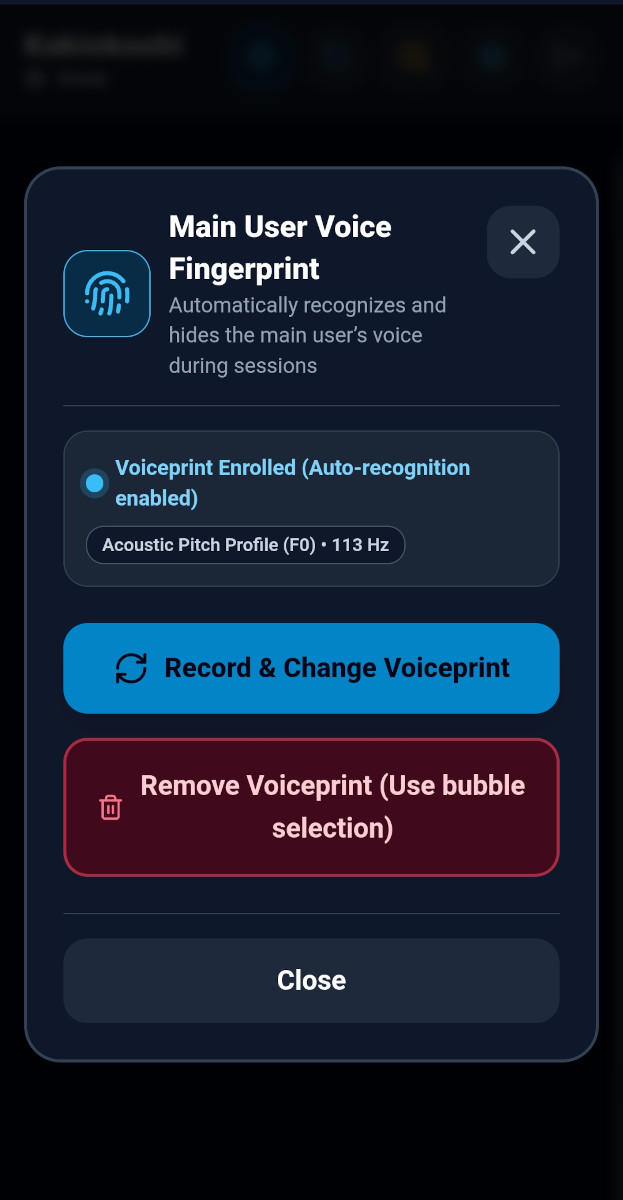
Sign in securely with email/password. For the App to recognize your voice during conversations, you can easily register your voice fingerprint by pressing and holding the fingerprint icon for three seconds, then follow the instructions in the dialog that appears.
💡 About Voice Fingerprint
Reading a simple test sentence registers your acoustic pitch so the app highlights your own words as 'Speaker 0'.
What is a PWA & How to Install on Your Phone
A Progressive Web App (PWA) is an application that you install directly from your mobile browser without using an app store. Once added to your phone's home screen, it opens full-screen with its own icon and works just like a regular native app.
Android
Chrome, Samsung Internet, Edge- 1
Open kakiokoshi-app.yaluba.org in your phone browser.
- 2
Tap the menu icon (⋮) at the top-right corner.
⋮ Menu - 3
Tap 'Install app' or 'Add to Home screen'.
➕ "Add to Home screen"
iPhone / iPad
Apple Safari- 1
Open kakiokoshi-app.yaluba.org in the Safari browser.
- 2
Tap the Share button (square with arrow pointing up ↑) at the bottom.
Share - 3
Scroll down and tap 'Add to Home Screen', then tap 'Add'.
➕ "Add to Home Screen"
PWA Installation is Completely Optional
Installing the app is optional. Kakiokoshi is also directly available in your phone's web browser without installing anything by visiting https://kakiokoshi-app.yaluba.org
Installing the PWA simply makes it faster and easier to access the Kakiokoshi service if you use it often, launching directly from your home screen in full screen.
Dedicated History Reader Web UI
Review past conversations for the last 90 days from anywhere
Never lose an important conversation. Kakiokoshi includes a companion History Reader web application designed for users, family members, and caregivers. Only text is stored, no audio is retained.
90-Day Conversation Archive
Transcripts are securely encrypted and retained for 90 days in the cloud.
Speaker Timeline & Recovery
Browse dialogues by date and time. Inspect or reveal muted/hidden speech segments that were filtered out during live recording.
1-Click Text Export
Export complete conversation sessions into clean text files (.txt) for doctor appointments, notes, or family archives.
Caregiver & Admin Oversight
Role-based security allows trusted family members or clinicians to access session transcripts when authorized.
Access By Invitation Only
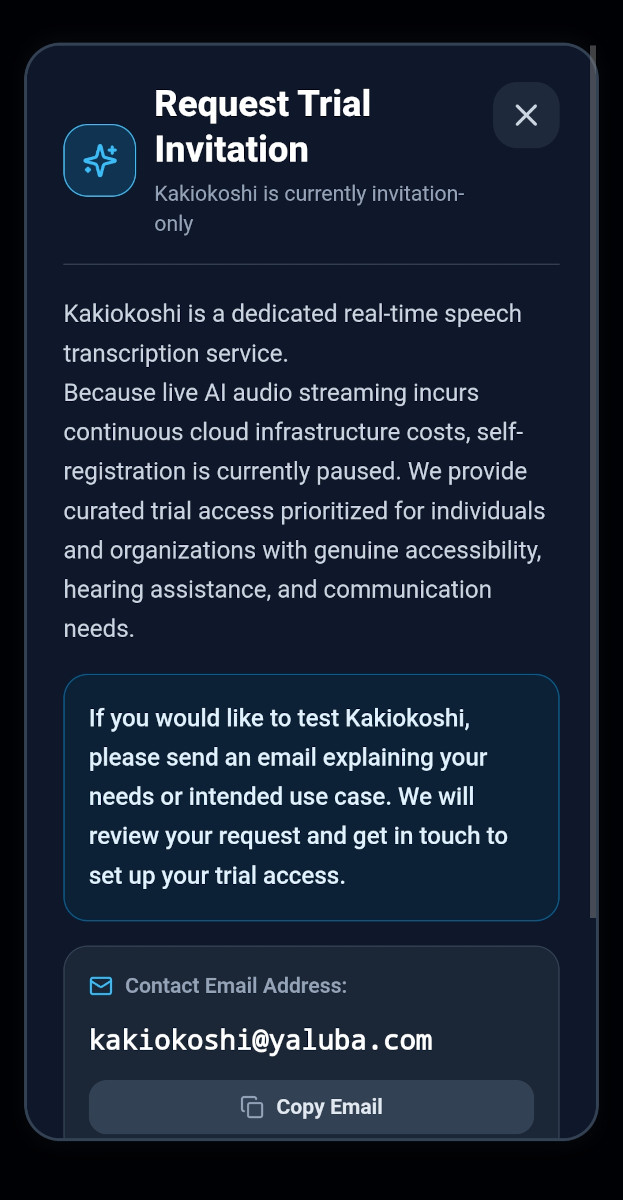
Kakiokoshi uses advanced live AI speech processing that runs on dedicated low-latency cloud infrastructure with per-use costs. To guarantee uninterrupted service quality, public registration is currently restricted.
If you or a family member would benefit from Kakiokoshi for hearing assistance, please send us an email. We will review your request and provide access credentials.